Bivvy

A mobile messenger for private and group conversation. One-to-one chats and group chats for a team or a circle of friends.

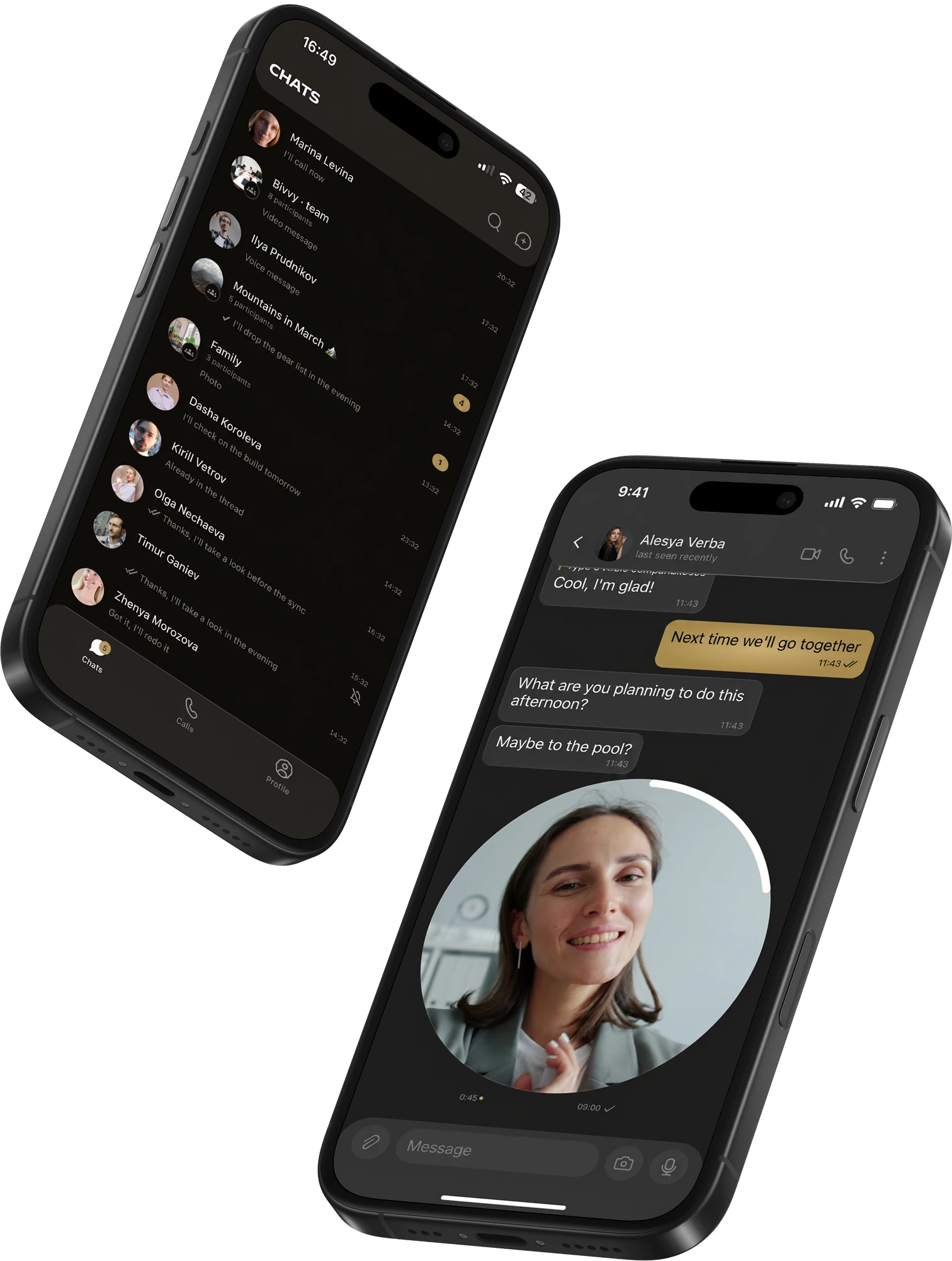
Two Bivvy screens: the chat list and a conversation with a video circle

Voice notes, video circles, photos and files, audio and video calls — everything in one place.

  • Message delivery <1 sec
  • Group chat members up to 1000
  • Media per message up to 100 MB
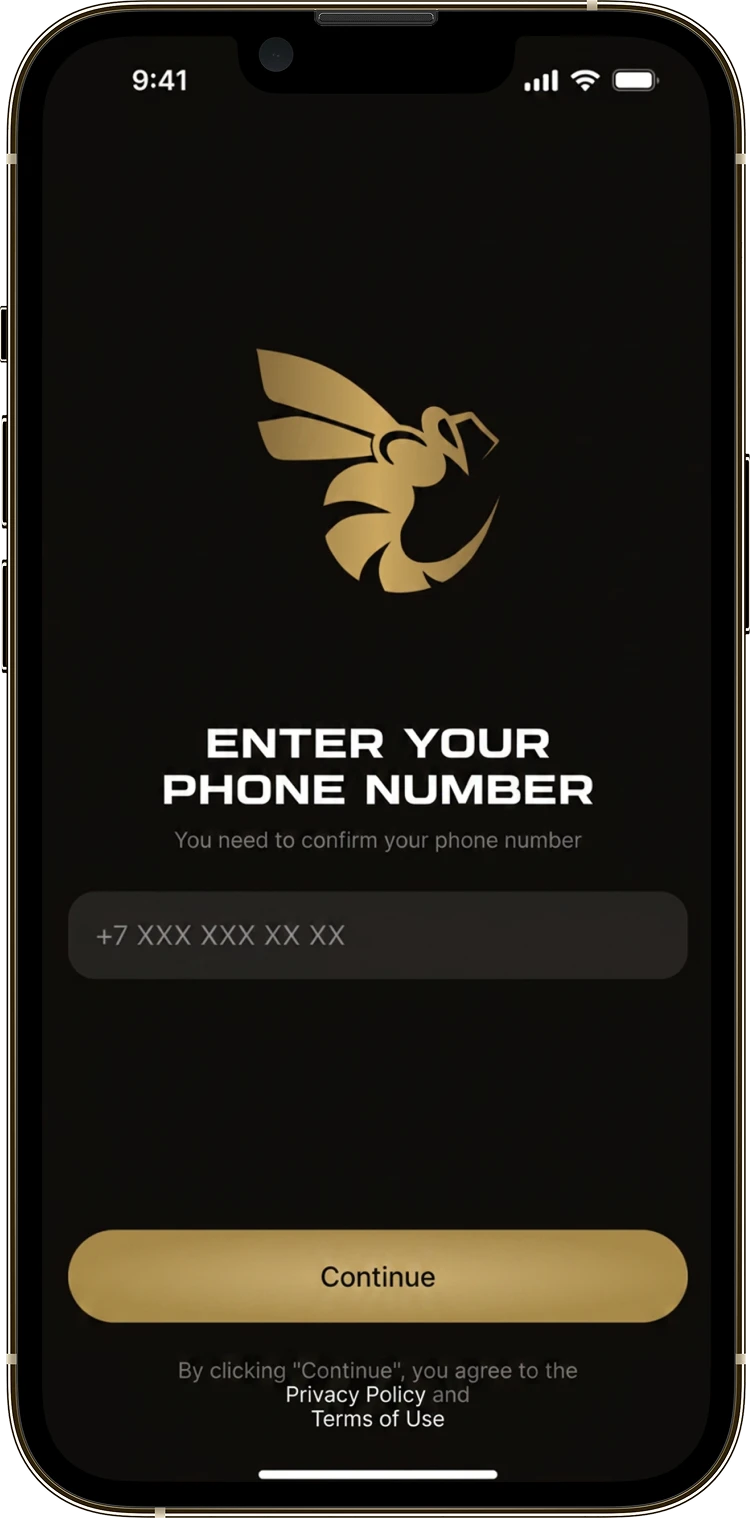
The Bivvy sign-in screen asking for a phone number

About the project

Bivvy is a mobile messenger for everyday conversation, built along the lines people already know from the mainstream apps. You talk one to one, gather group chats with family, friends and people who share an interest, send voice notes and short video circles, swap photos and files, and make audio and video calls. The interface follows a familiar model: anyone who has used a modern messenger will find their way around without being told, and anyone opening this kind of app for the first time will find what they need across three tabs — chats, calls, profile.

What was asked for

  • A full messenger on a par with the apps people already use
  • Private and group chats with every message type
  • Calls and video calls straight from the chat
  • A tidy profile and easy work with groups

Beetrail built Bivvy, an app that holds all of everyday communication: private chats, team discussions, audio and video calls. The messenger supports every common message type, from text and voice notes to short videos and attachments. Visually it runs on a dark background with warm gold accents.

The pain

Talking to people stopped being only typing a long time ago: today a chat carries voice notes, video circles, photos and files. Yet some messengers are missing half of those formats, and others bury them under settings and features nobody asked for. We wanted all of everyday communication in one place, with the full set of modern formats and an interface you can read at a glance.

The fix

Bivvy gathers everyday conversation into one mobile app with a clear interface. In private and group chats you can type, record a voice note or a short video circle, send photos and documents, leave reactions and quote a reply. An audio or video call starts from the same chat, with camera switching, mute and speakerphone. The dark theme with warm gold accents keeps the interface calm and out of the way of the conversation.

What the app does

Bivvy follows a familiar model: three tabs along the bottom — chats, calls and profile. Inside a chat sit all the usual ways to talk, from text and voice notes to photos, files and video calls.

Core features

  • Private and group chats Private conversations and group chats in one list, ordered by the latest message.
  • Voice notes and video circles Record a voice note or a video circle straight from the message bar.
  • Photos, files and reactions Attach photos and files, and react to or quote any message.
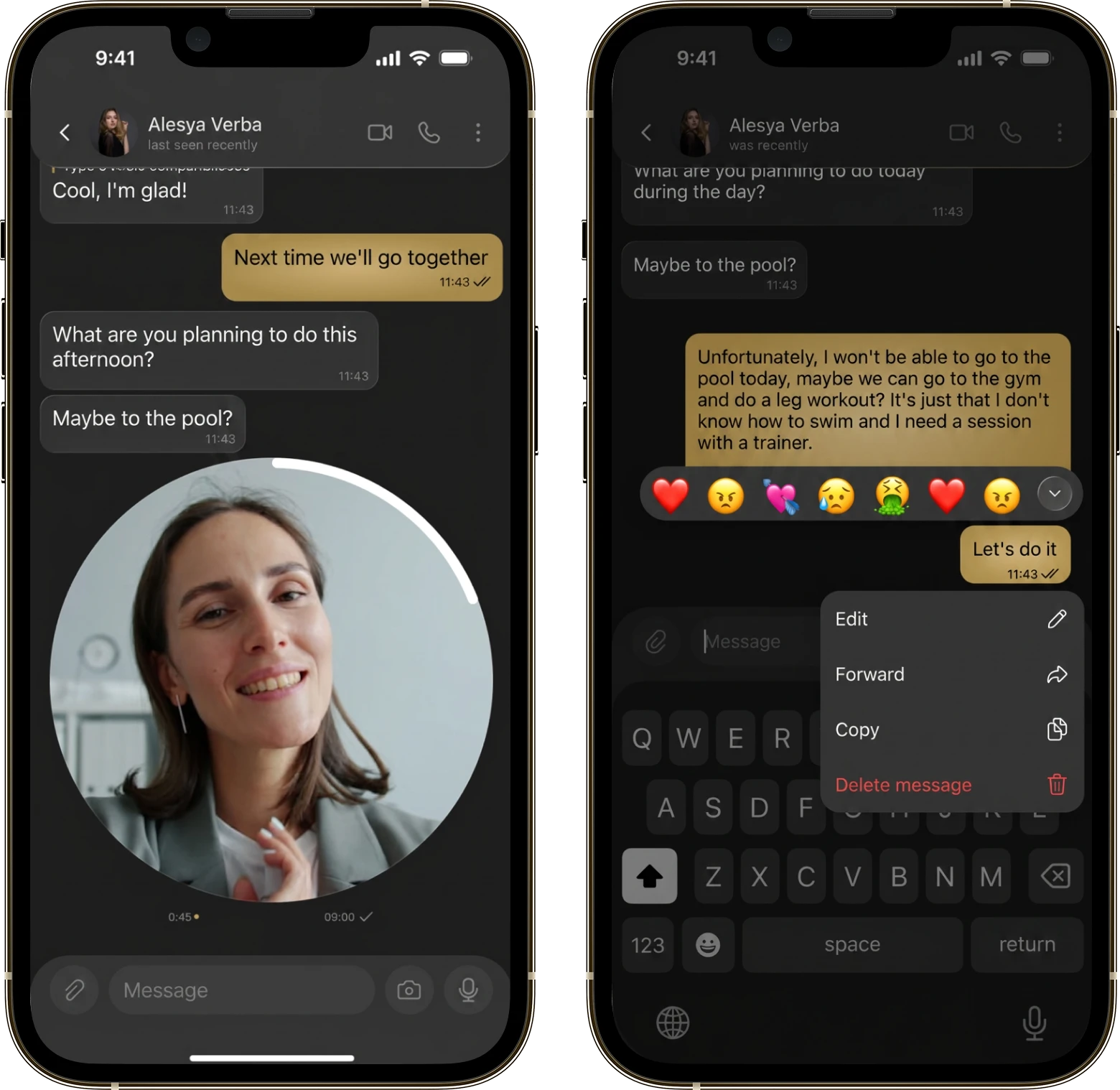
Two Bivvy screens: a conversation with a video circle and the message action menu
  • Audio and video calls Audio and video calls with camera switching and speakerphone.
  • Group chats Add a cover, a description and members with roles, and invite new people by link.
  • Search across chats Search by the person’s name and across the text of every message at once.
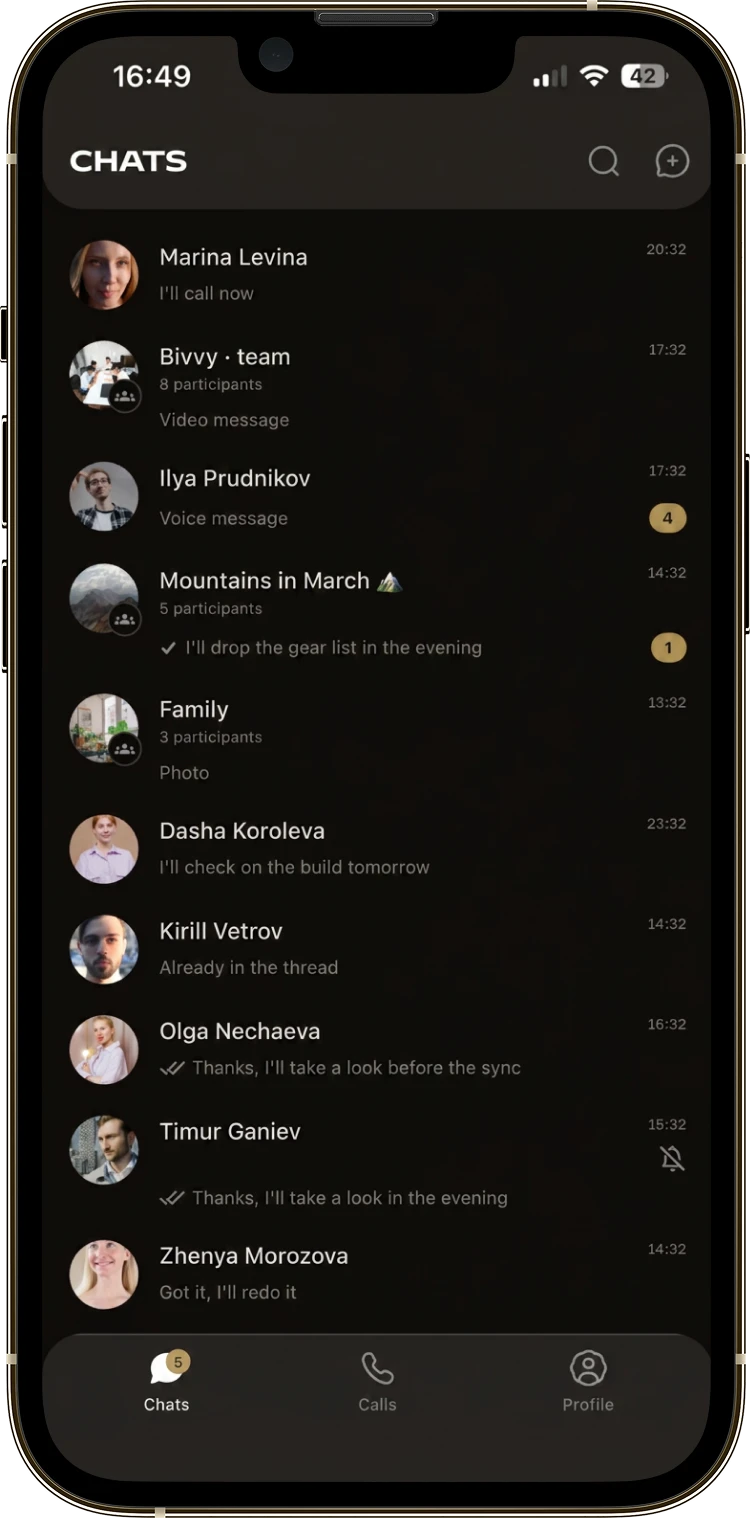
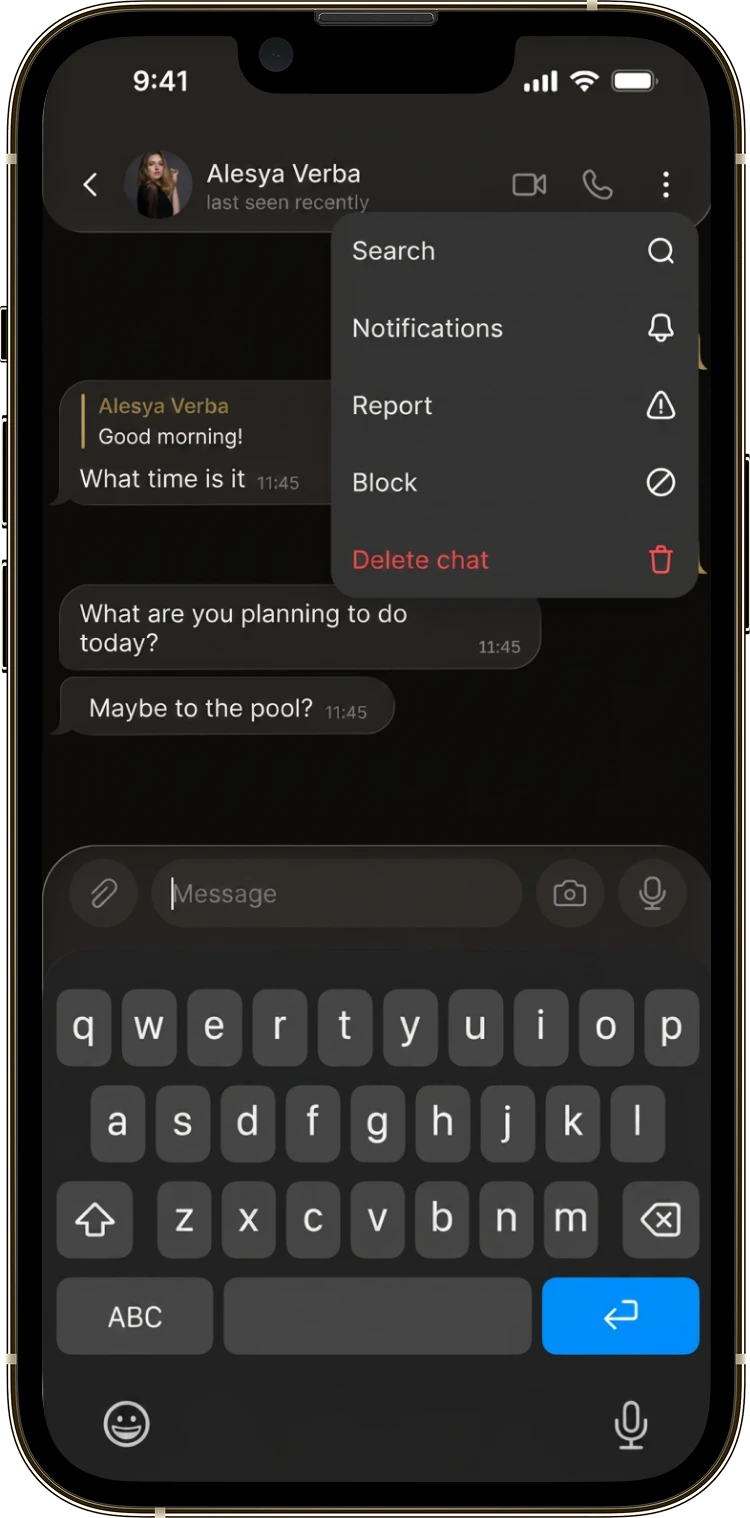
The Bivvy chat list on the left and the chat action menu on the right

Every chat in one list

A single way into all your conversations. Private and group chats live in one list that reorders itself by recency, so what matters is always on top. Search covers not just names but the text of every message, old threads included. Marks on each row show where a reply is waiting and which chats are muted.

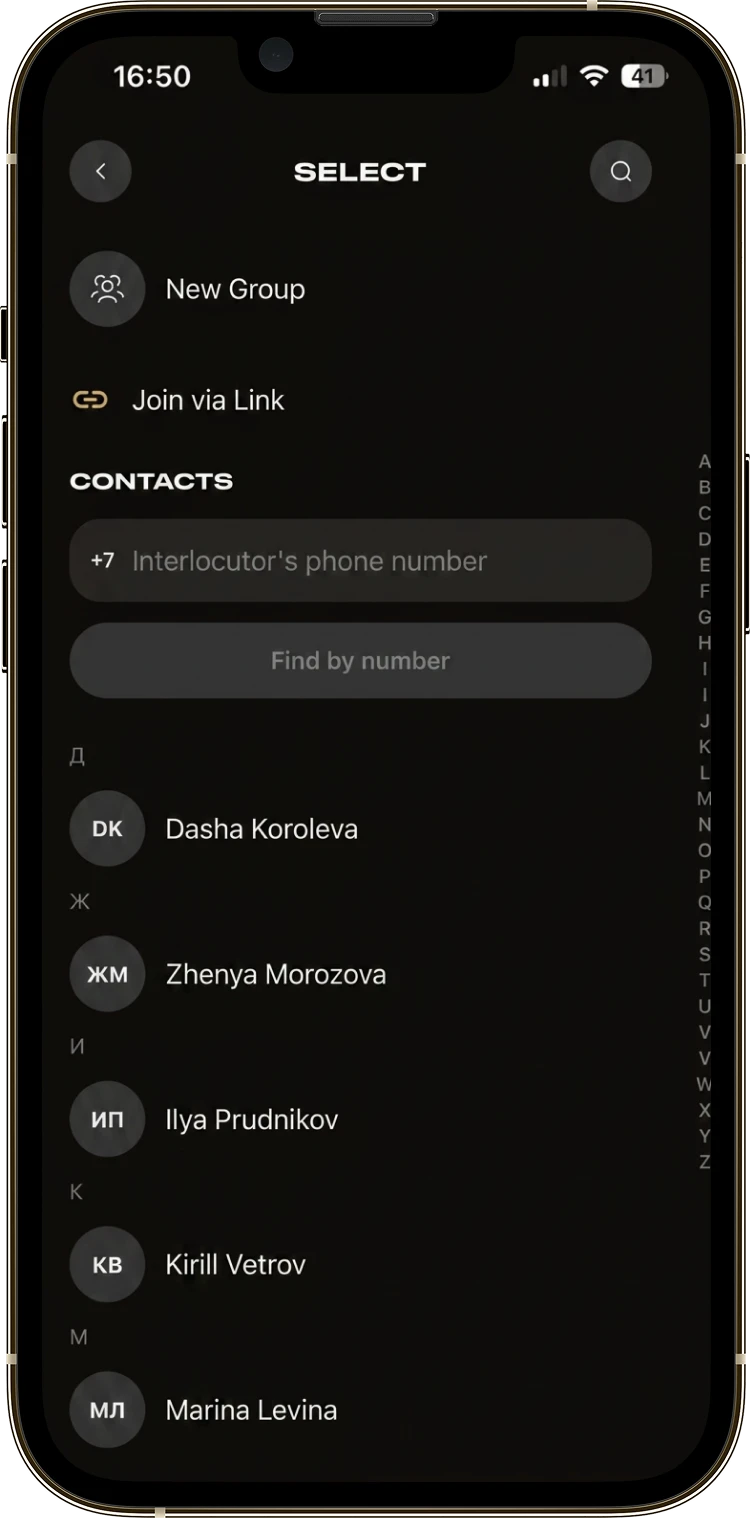
The Bivvy screen for picking someone to talk to, with the contact list

New chat and contacts

One screen with every way to start talking: find someone by phone number, put a group together, send an invite link, or pick a person from your own contact book. Even a long contact list scrolls instantly thanks to the alphabet index down the side.

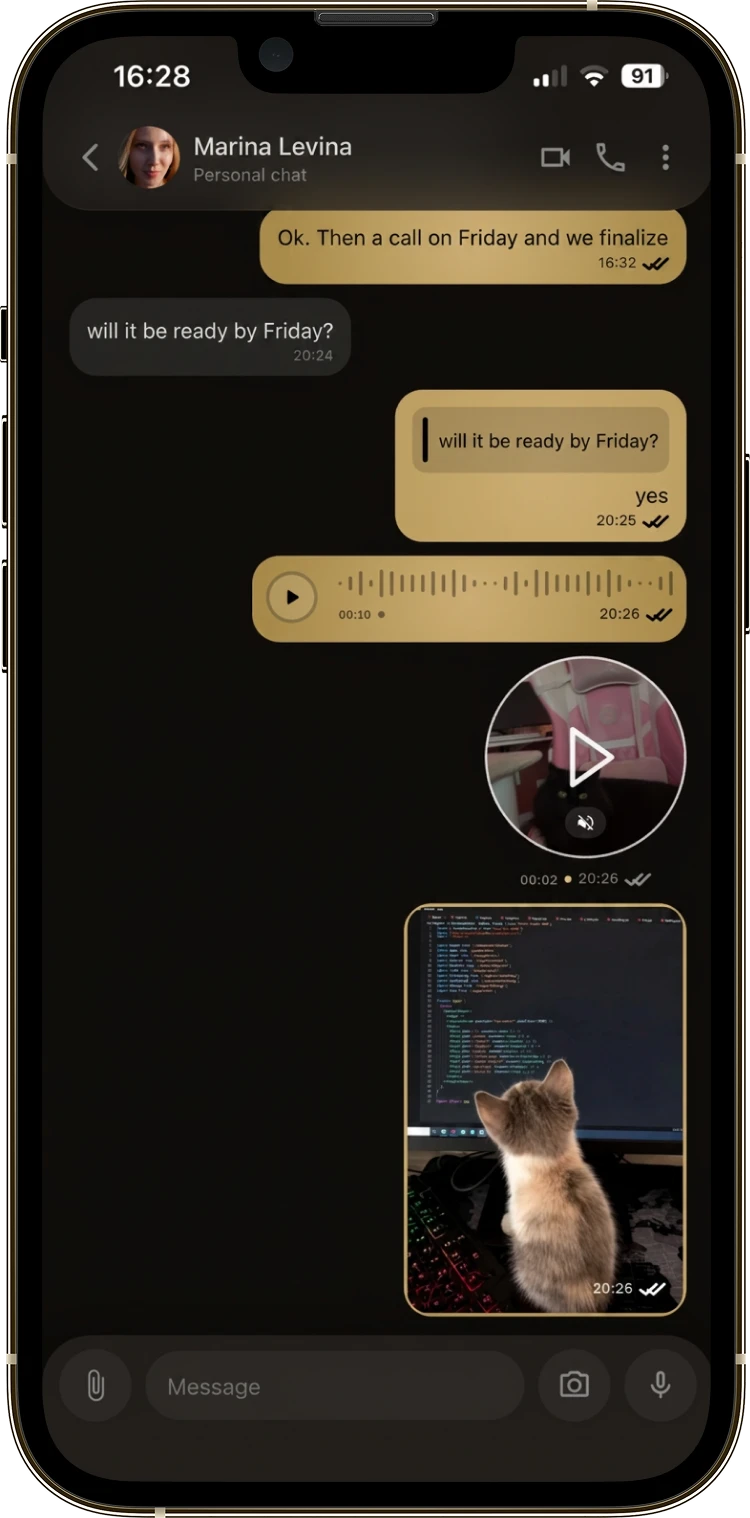
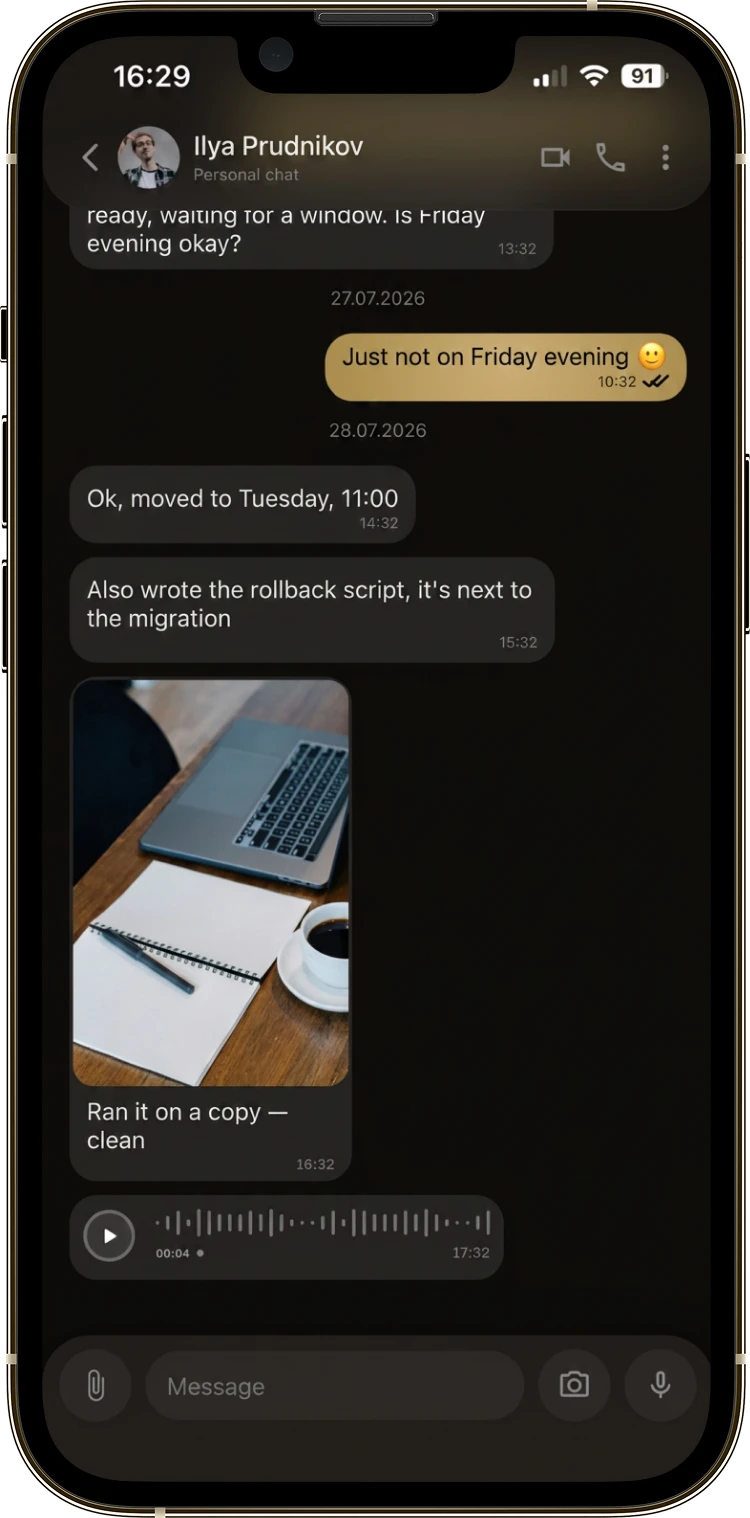
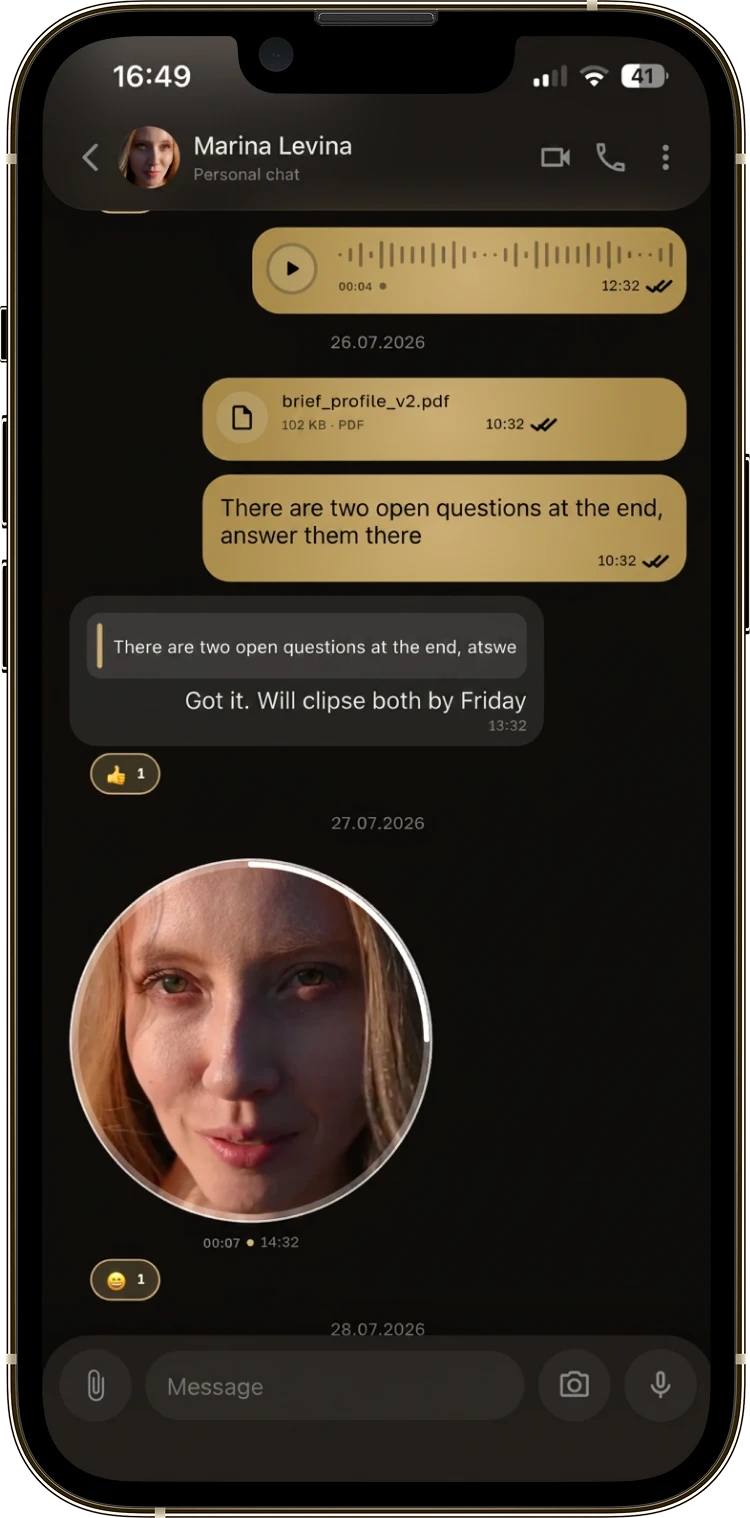
Three Bivvy conversation screens: voice notes, files and a video circle

One-to-one chat

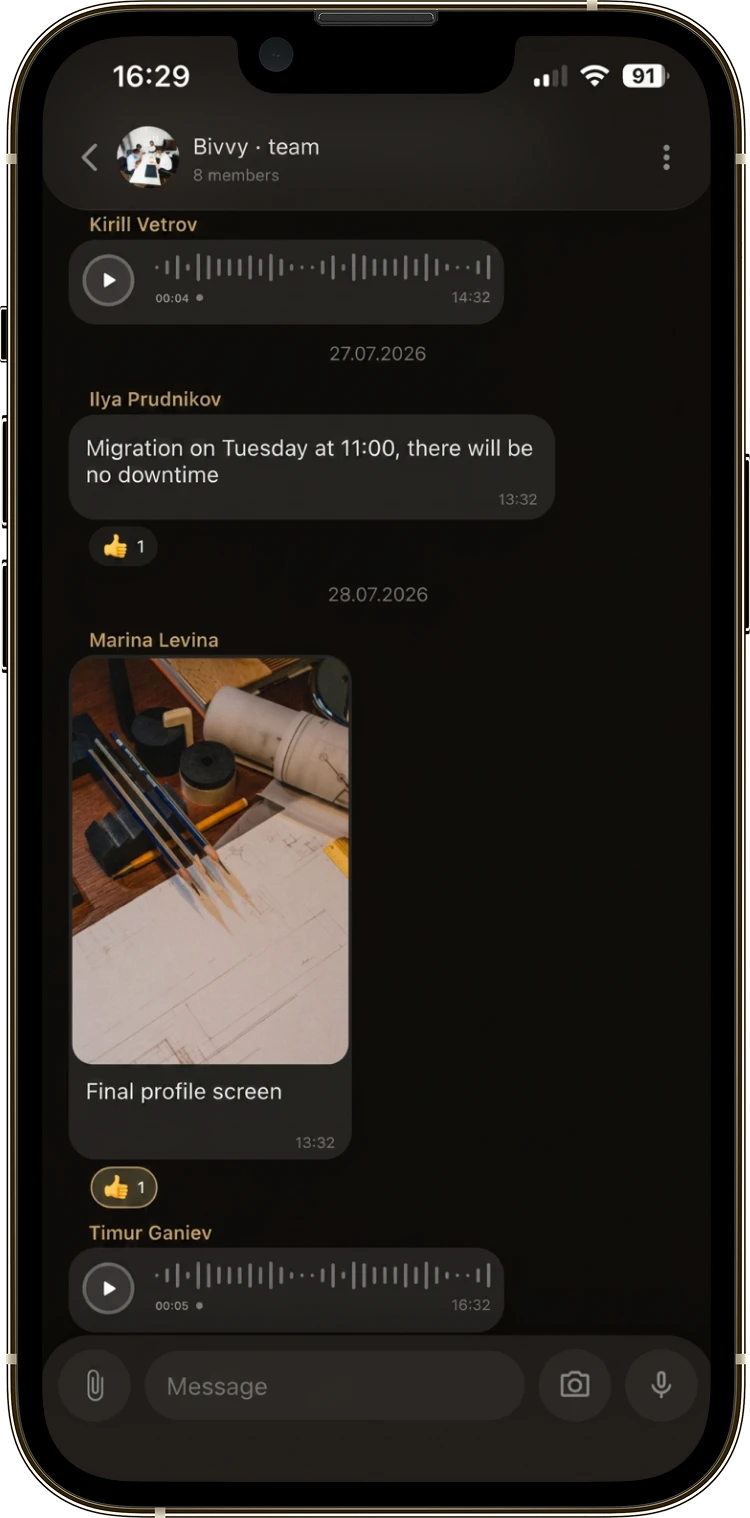
A conversation between two people where every format carries equal weight: text, a voice note, a video circle or a camera shot all go in one movement, without switching apps. Voice notes arrive with a live waveform you can scrub to the part you need instead of listening again from the start.

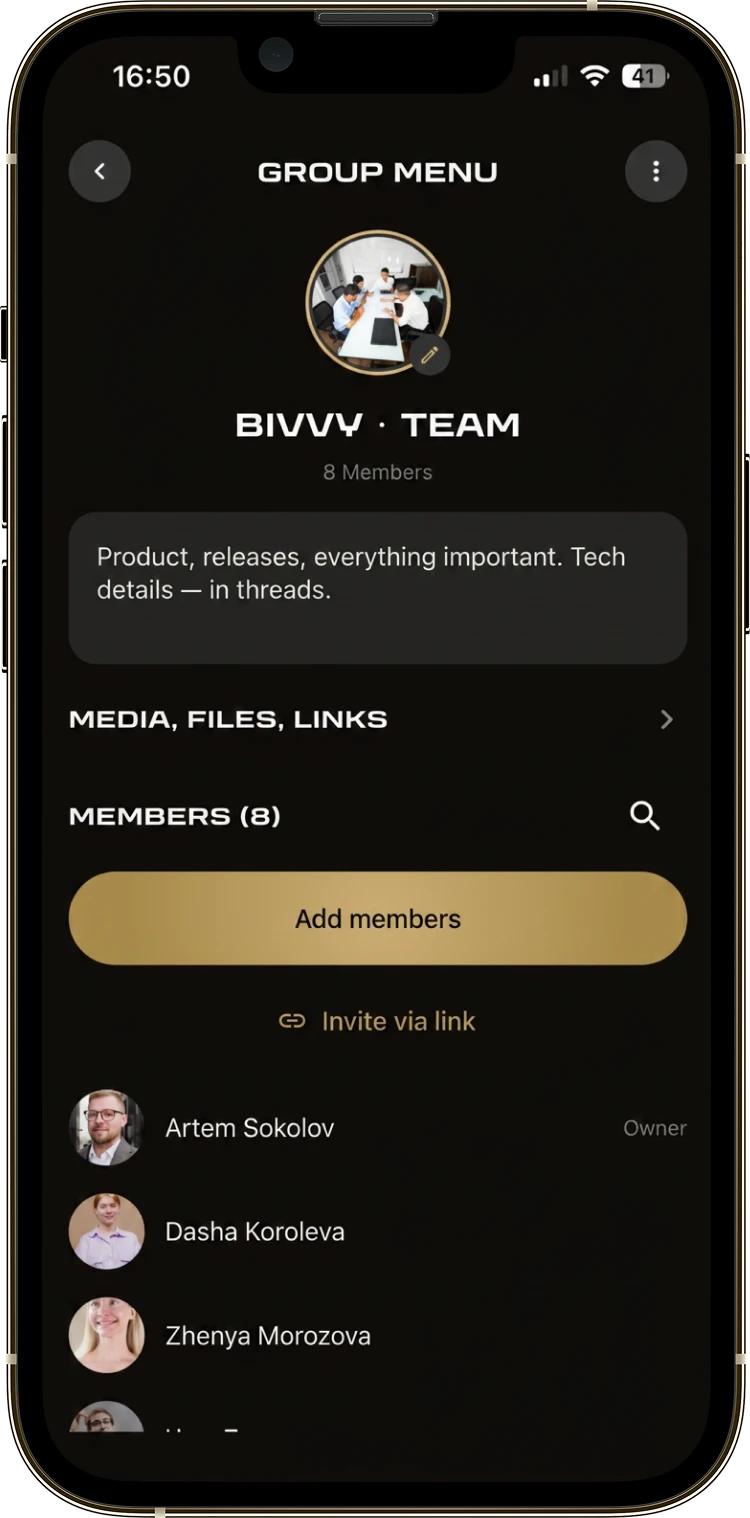
A Bivvy group chat and the group menu with its members

Group chat

Every group gets its own card with a cover and a short description that set the tone of the shared space. Everything members have exchanged collects into a section filtered by attachment type, so even an old photo or document turns up straight away. Owner and admin roles keep even a large chat manageable, and invite links make adding people quick.

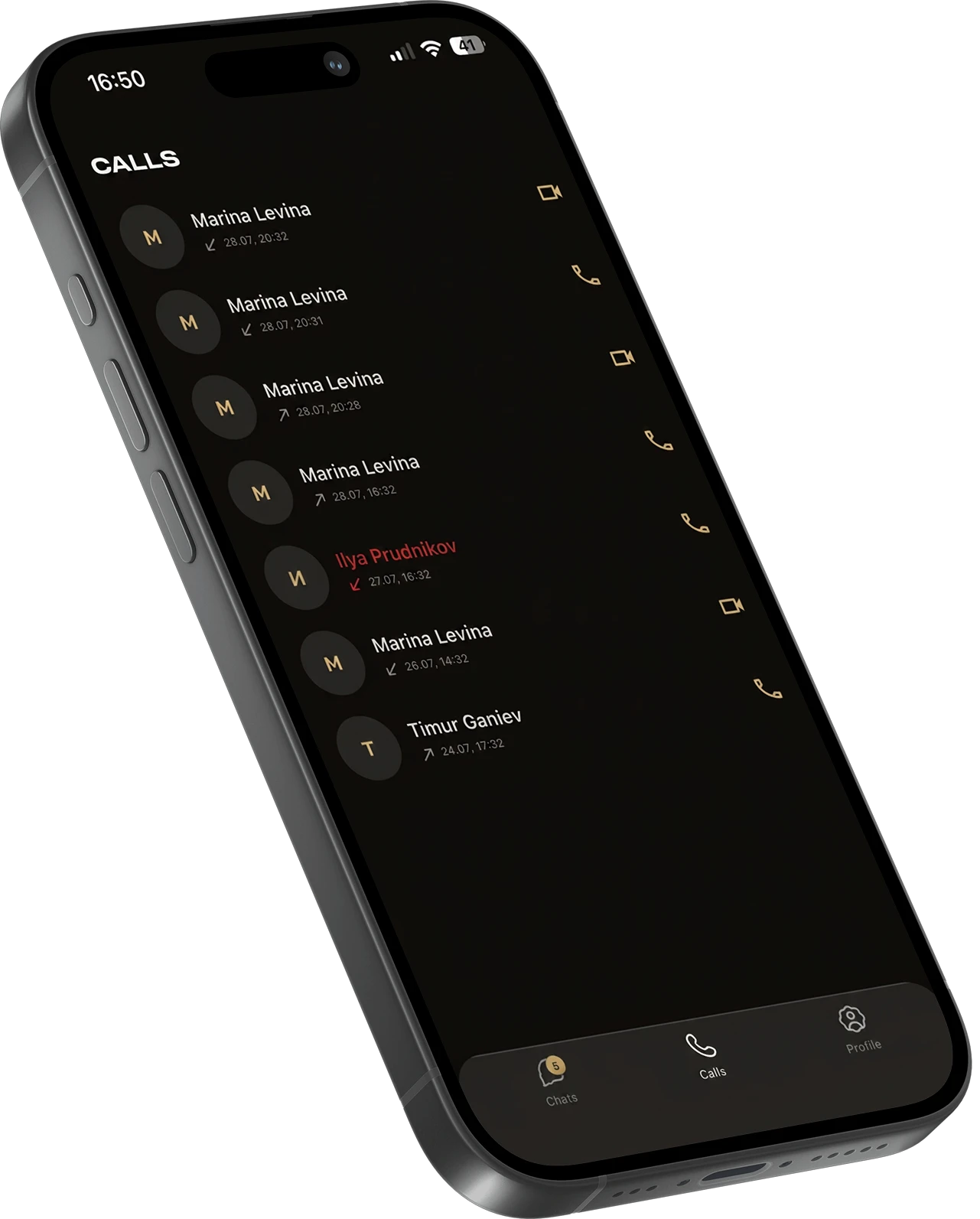
The Bivvy call history with a missed call

Call history

Calls sit in their own section rather than getting lost among the messages. Missed ones stand out in red, and the full history is kept without limits. Calling back takes one movement and picks the same kind of call as last time, voice or video.

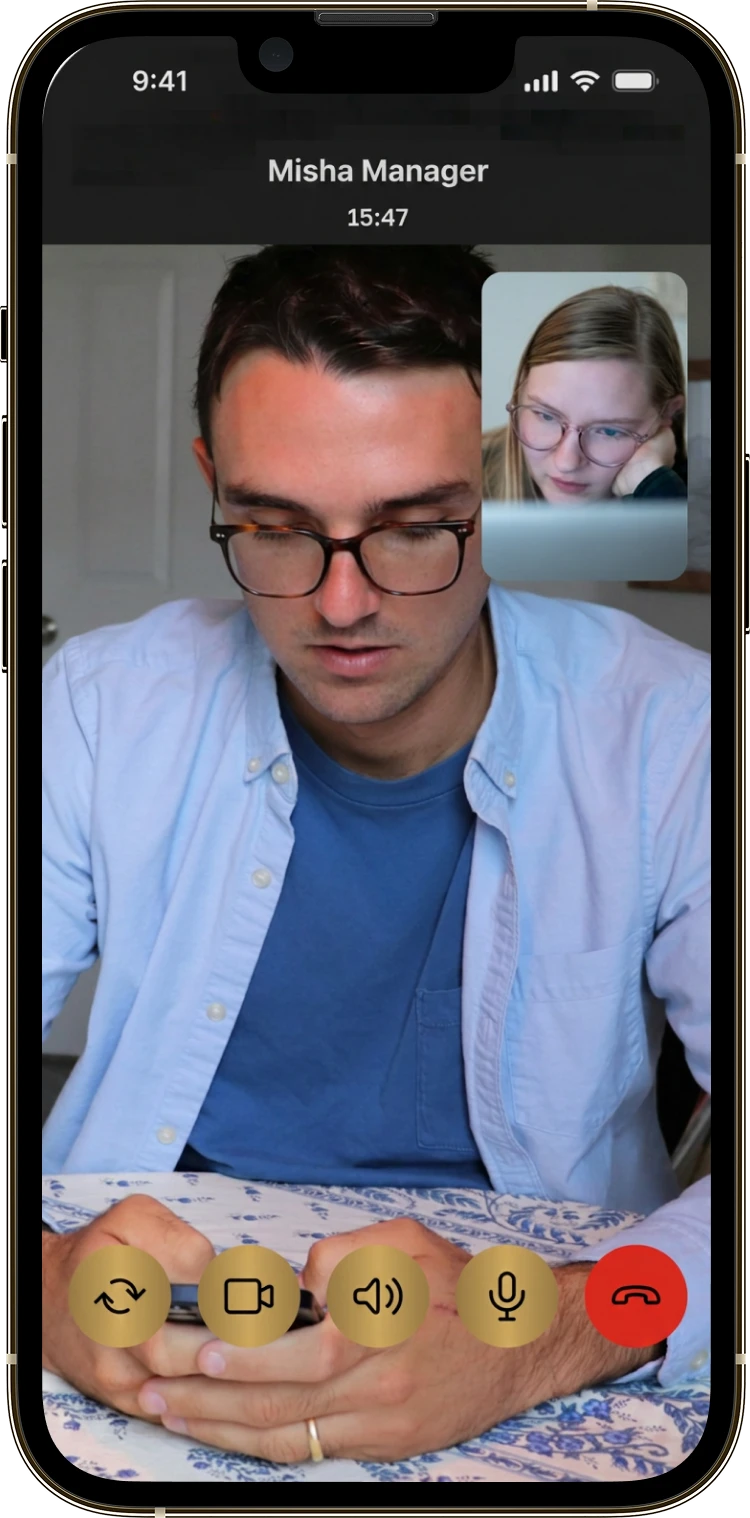
A Bivvy video call with the floating self-view window

Video call

A full video call with everyone on screen at once. Your own camera sits in a floating window you can put anywhere so it never covers the conversation. Switching camera, muting audio or video and speakerphone are all one tap away.

User profile

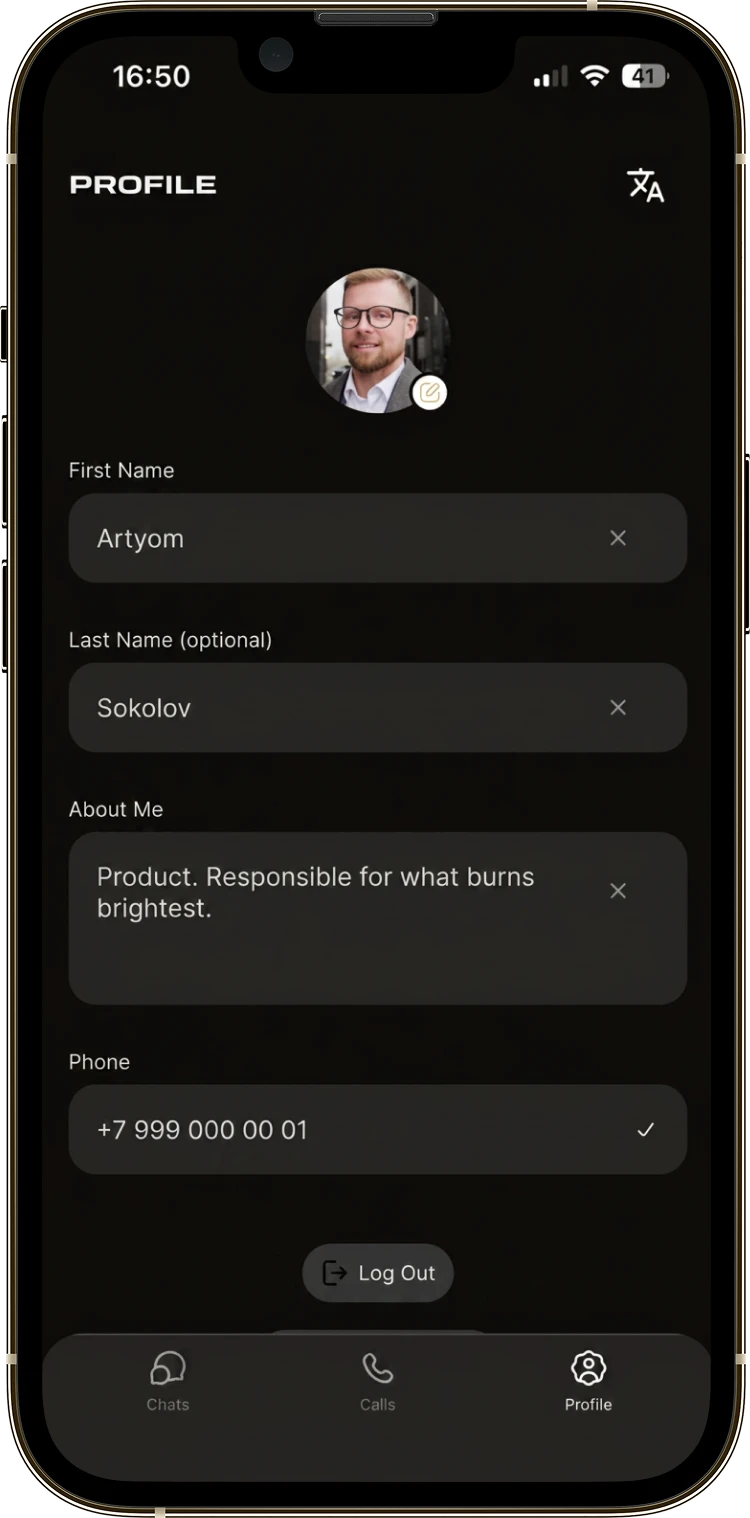
A personal page showing only what matters: name, a short line about yourself and a phone number. Interface language sits on its own switch, so the app is comfortable whatever language you speak.

The Bivvy user profile screen
  1. We looked at how people actually use messengers day to day, and listed the formats you cannot ship without.

  2. We built the design system: three clear tabs, a dark theme with gold accents and as few settings as possible.

  3. We built the core so that every message type runs through one flow.

  4. We added audio and video calls that hold up equally well between two people and in a large group.

  5. We keep Bivvy in real use with real users and keep refining the details on their feedback.

How we built it

Result

Bivvy is a messenger ready for daily use that covers the whole range of everyday conversation: private and group chats, every familiar message type, audio and video calls. The familiar three-tab logic and the dark theme with gold accents make the first encounter comfortable for anyone, whatever their age or experience. The app is in real use and keeps developing on live feedback.

Achievements

  • Every way of talking in one app.
  • Clear to any audience, with nothing to learn.
  • A look that holds attention.

Other cases

MobileWeb
Speedy

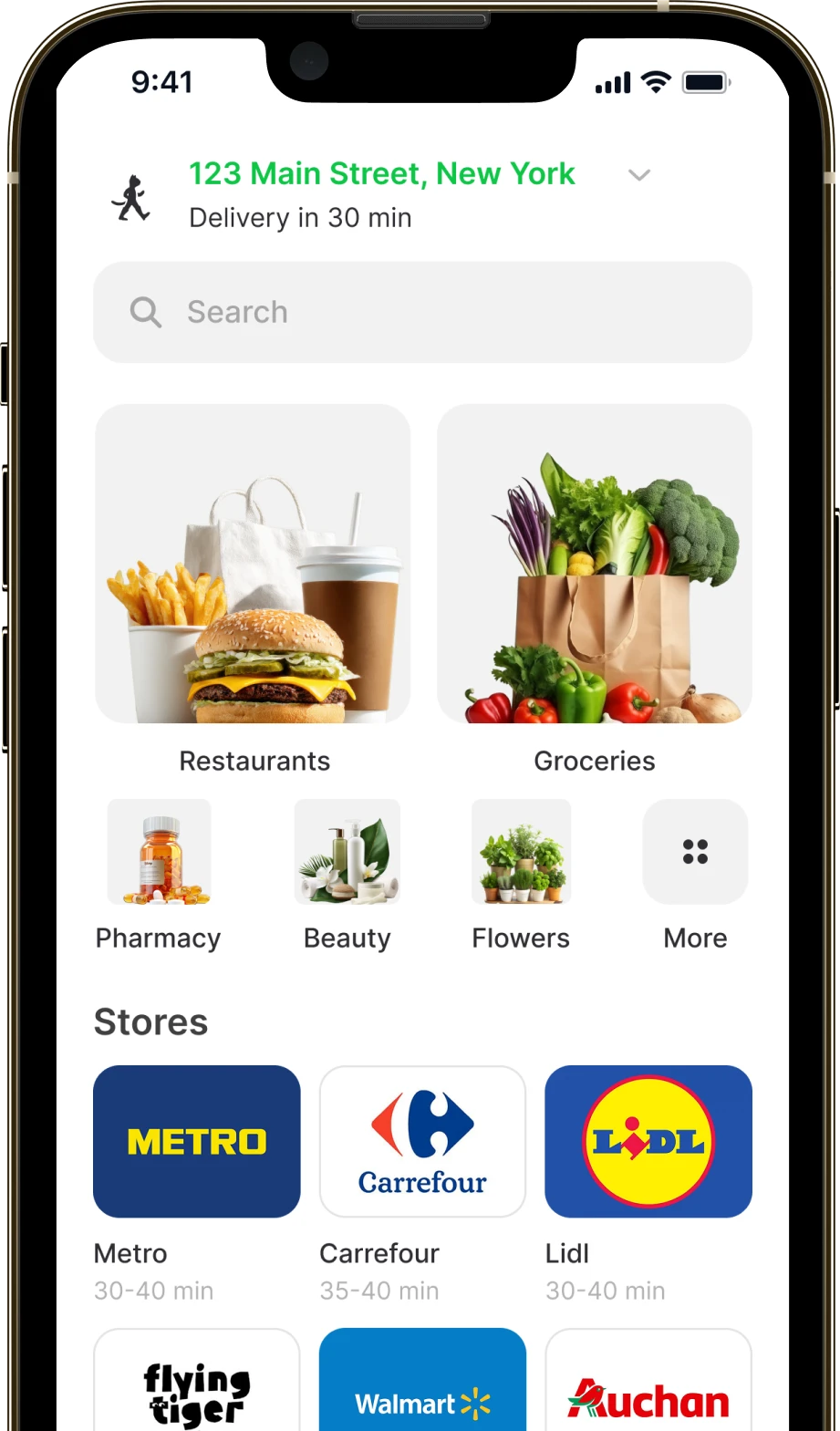
A delivery service for food and goods from shops and restaurants. Ordering, payment and live map tracking for the customer, with separate interfaces for couriers and partners.

Average delivery time 35 min
Delivered on the promised slot 95%
Returning customers 60%
Speedy app screen
AIMobile
MomSmile

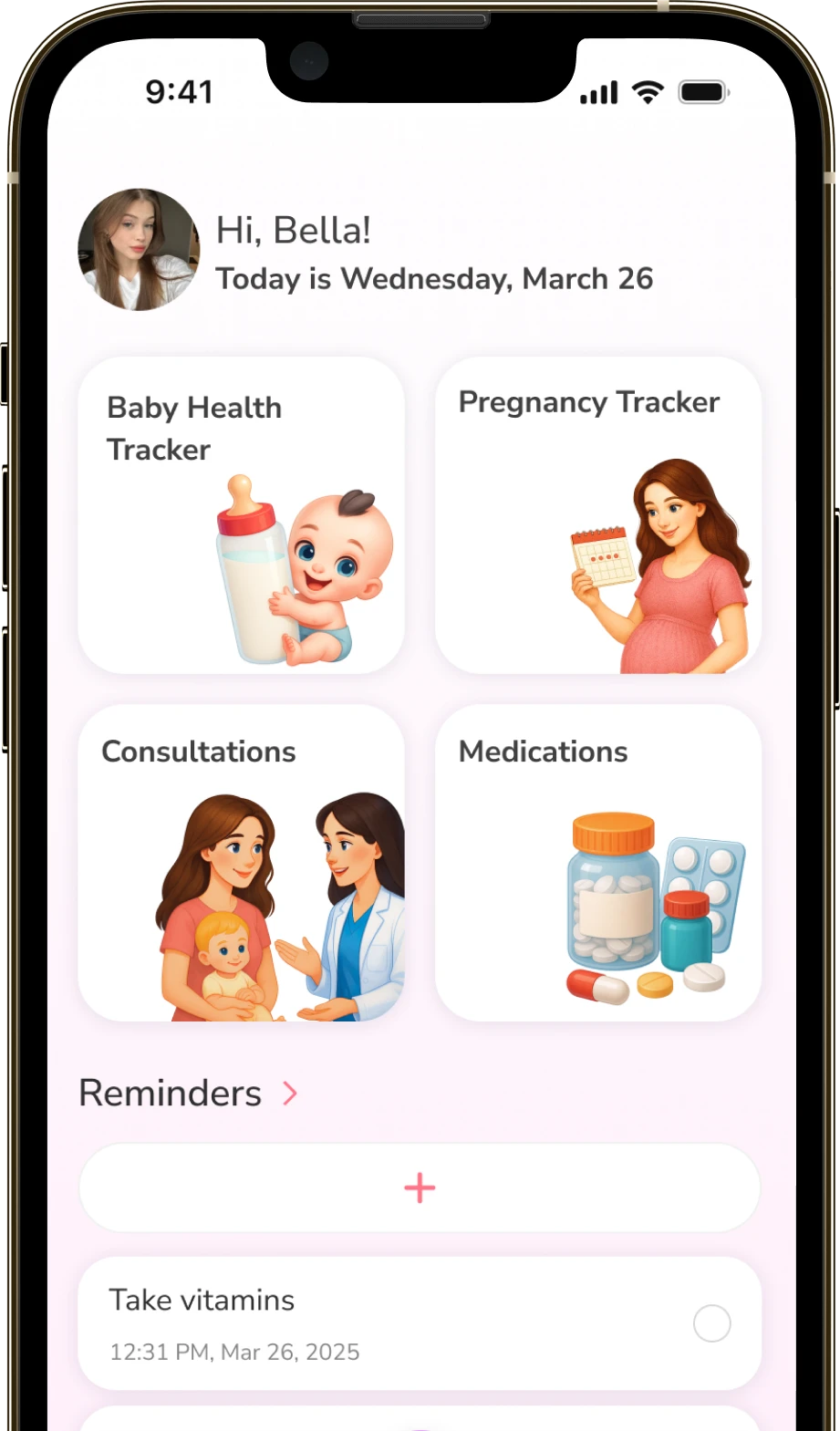
A mobile app for expecting and new mothers. One place for the pregnancy calendar, the baby’s health tracker, an AI consultant and online appointments with specialists.

Fewer avoidable clinic visits 70%
Round-the-clock AI consultation 24/7
Retention to month two +30%
MomSmile app screen

Get in touch if you want an app of your own

A 15-30 minute call: we go through your idea free of charge and tell you where to start and how to get it built.

Tell us about your project

We’ll review your idea and get back to you within 24 hours!

* required field